To run a WordPress we need a server that runs PHP and MySQL on it. For installing WordPress on our computer we will need to install a local server environment. We can set each of the required software separately or we can use a package such as MAMP which comes packed with a server Apache, MySQL, and PHP.
Install MAMP
- Download MAMP: https://www.mamp.info/en/downloads/
- Install Document: https://documentation.mamp.info/en/MAMP-Mac/Installation/
Download WordPress
- Download latest version: https://wordpress.org/download/
- Extract the WordPress zip file
- Paste the extracted WordPress folder into an expected folder. I put it into the
Projectsfolder for me
MAMP Settings
- Select the latest PHP version
- Choose the folder that contains the extracted
wordpressfolder for theDocument root.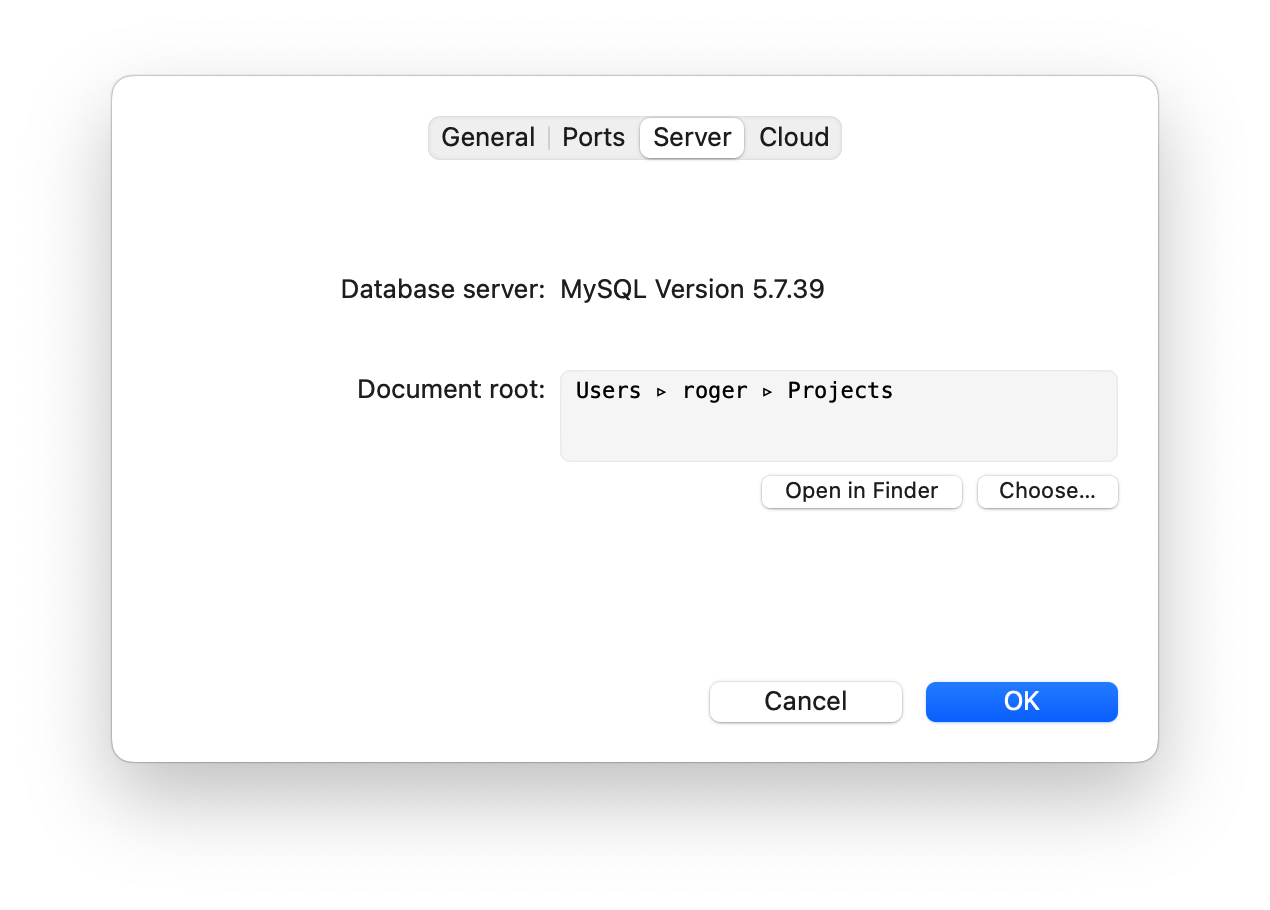
Create WordPress Database
- Click
StartOn the MAMP app - Visit
localhost/phpMyAdminon the browser - Click on the Databases tab
- Type the name of the database as
wordpress. Then click on Create.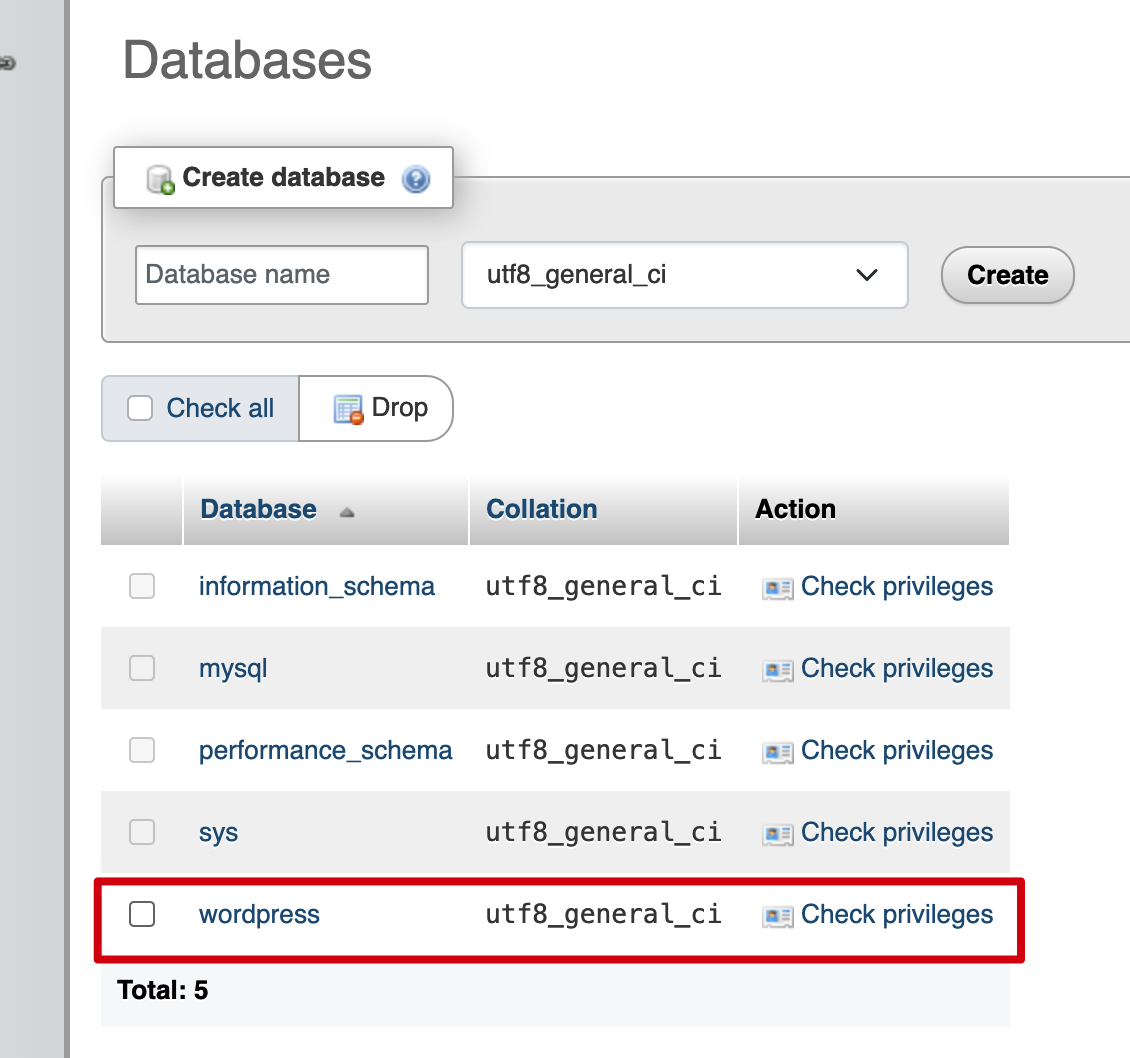
Install WordPress
- Visit
http://localhost:8888/wordpresson the browser - Select your language then click
Continue - Set the database then click
Run the installation - Name a title for the website
- Type the username, password and email for the website then click
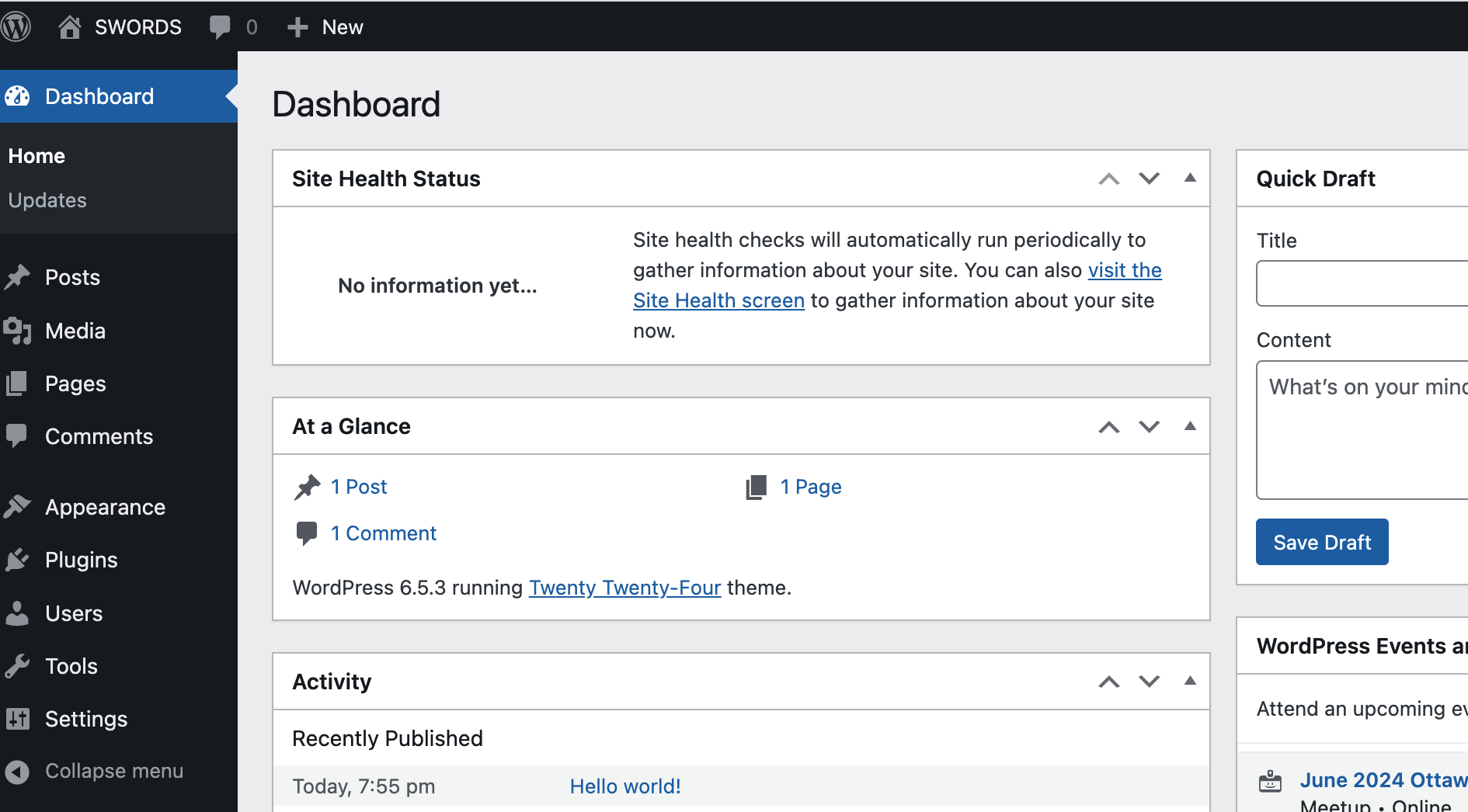
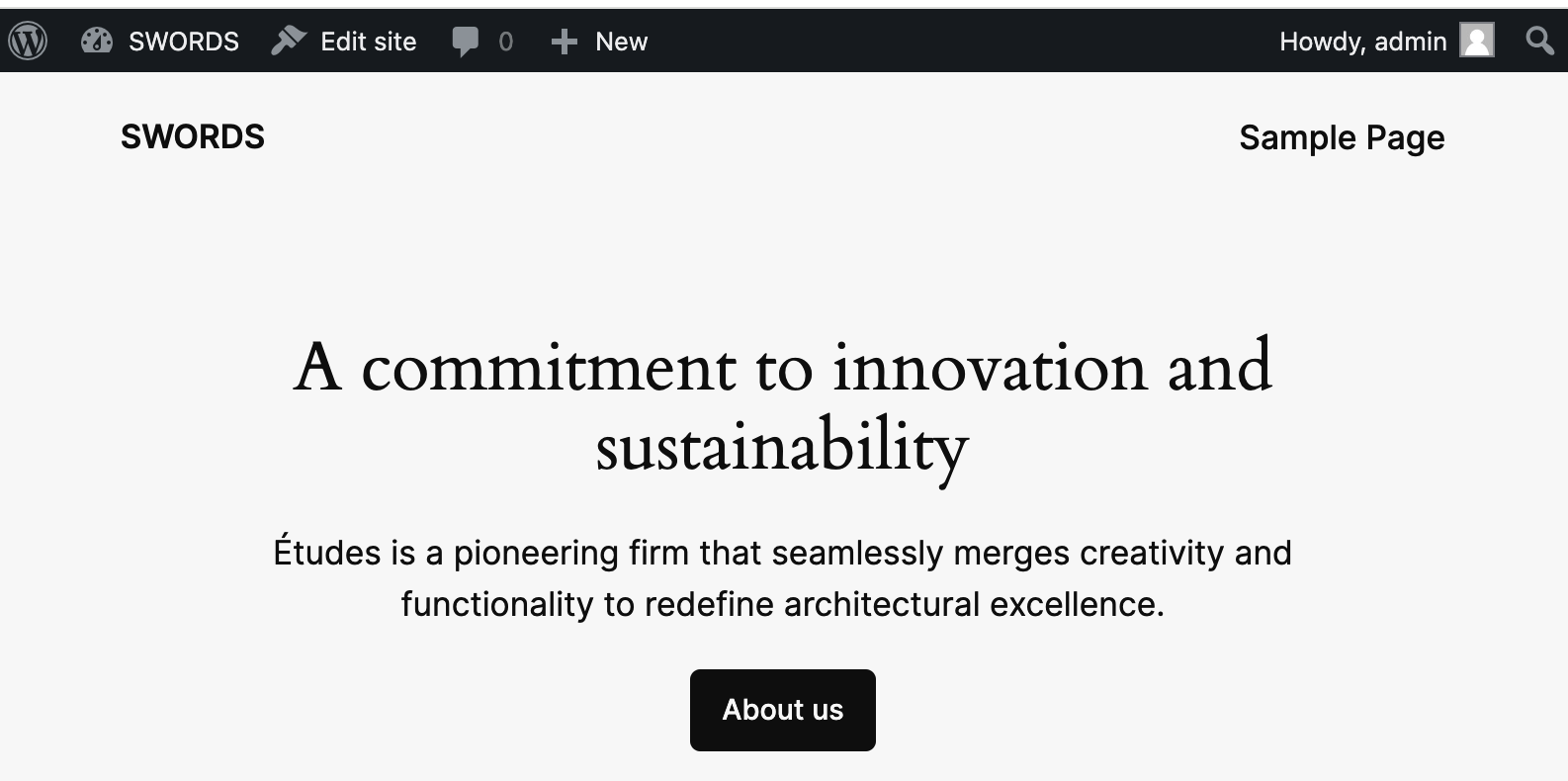
Install WordPress Login- All done, now you can see the website